Truck Team
Move staged props and hardware to the correct storage destination (back storage or trailer by the street).
Step-by-Step Instructions
“FREE LIGHT SHOW” sign + Power Rd. arches
We’ll have you start with this as it should take a bit for other teams to have items ready to move things to storage.
- The letters that spelled out “FREE LIGHT SHOW” were taken off the fence and laid behind the wall by Power Rd. These go to the back storage area (the lights stay in them)
- Take out the posts and chicken wire that the “FREE LIGHT SHOW” sign was attached to by Power Road
- Remove the lights from the metal arches by the “FREE LIGHT SHOW” sign
- Move the metal arches, fence posts, and chicken wire to the trailer on the other side of the north parking lot entrance
- Move the lights from the arches to the black bin in the Ramada labeled “Arch lights”
Rolling gate north of the yard
- Collect and move items to the back storage area:
- Random coroplast and metal props
- Minitrees
- Stars
- 4’ snowflakes
- Pixel stakes wrapped in plastic wrap
- Minimatrixes
- Icicles
- etc.
- Black bins with yellow tops that are ready (if they are at that gate, they should be ready.)
- This will be mega tree strips
- Lot tree lights
- Flood lights
- etc.
- PEX pipe arches from the yard
- Random coroplast and metal props
Northwest gate
- Collect and move items to the trailer by the street:
- MegaTree trampoline bases
- Eight large metal rings that were used as ChromaTree Bases (6 from the yard, 2 from building B rear entrance)
- Six crank stands with snowflakes attached to the top that were used as ChromaTree stands
- Sandbags that are at the bases of the MegaTrees (keep them in the garbage bags)
- Sandbags that are at the bases of the MegaMatrix (do not remove these until the screen is ready to come down)
- OSB boards from piano keys and and piano frames
- Check the Ramada for control boxes to be brought to Michael in the back storage area.
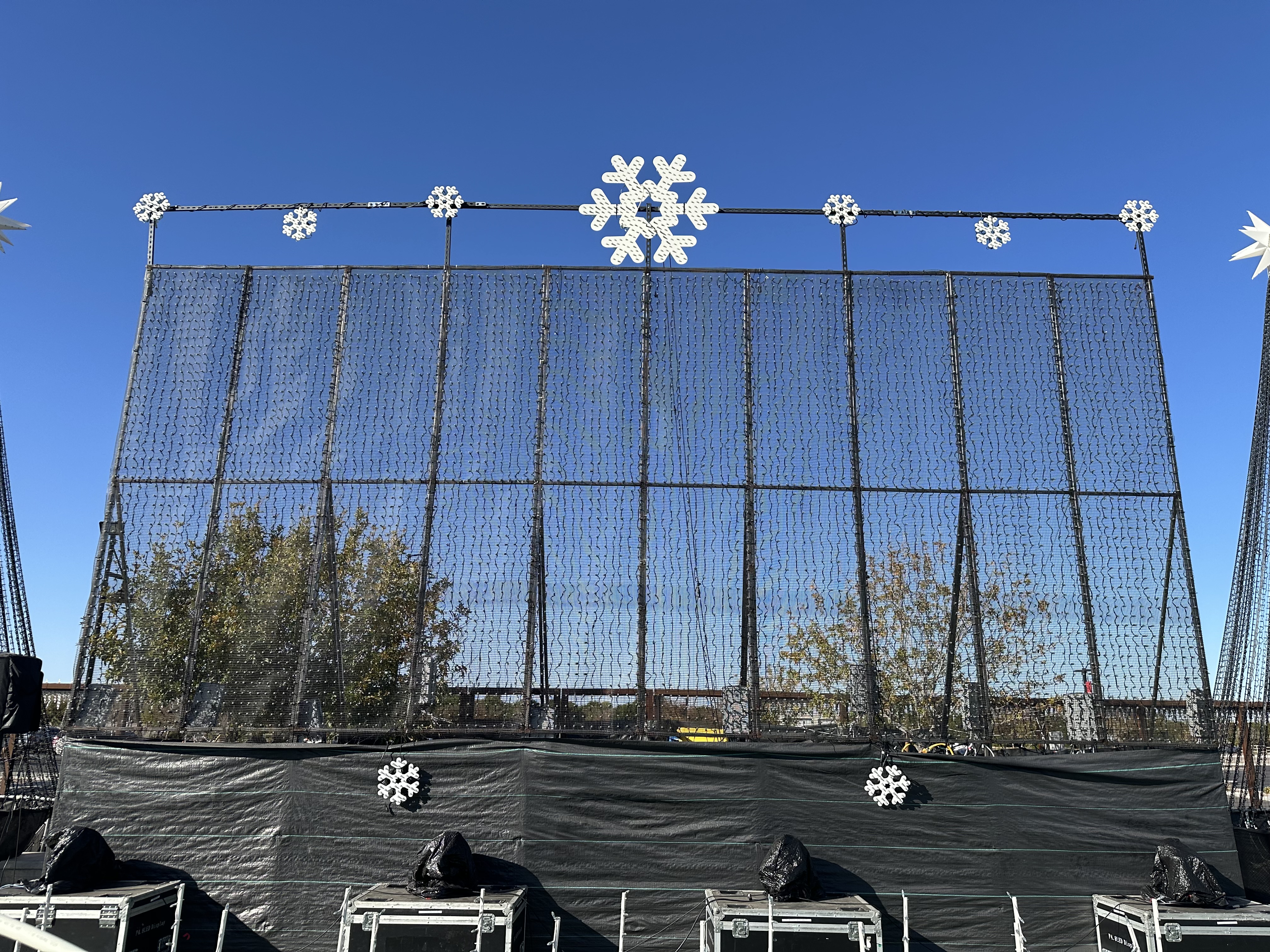
MegaMatrix
- Disassemble MegaMatrix
- By the time you have moved everything that is ready, the yard in front of the MegaMatrix may be clear enough for us to take the MegaMatrix down. If so, proceed.
- The boom lift should have already taken out the bolts holding the five screen sections together.
- Lower each of the five screen sections.
- Remove the legs from each section.
- Put all nuts and bolts back into the screen frames so we have them for next year.
- Help transport the screens and legs to the trailer by the street.
Final Check-In
- Once done, check with Tim to see if anyone else needs help.
Notes
- Tim should be available on radio channel 13.
- When finished check in with Tim.